Key Takeaways
- Enhanced Collaboration: Leveraging top collaboration tools like Slack, Jira, and GitHub boosts communication, project management, and version control in AI development teams.
- Improved Productivity: These tools streamline workflows, reduce delays, and enhance overall productivity by facilitating real-time updates and efficient task management.
- Data Security: Advanced collaboration tools incorporate robust security features, including encryption and access controls, ensuring the protection of sensitive AI data.
- Customizability: Many tools offer APIs and integrations, allowing teams to customize their workflows and maintain seamless data flow across different platforms.
- Cloud-Based Benefits: Utilizing cloud-based collaboration tools ensures scalability, remote accessibility, and enhanced data storage, which are crucial for distributed AI teams.
- CI/CD Support: Integration with CI/CD pipelines enables automation of testing and deployment, fostering faster and more reliable releases in AI projects.
- Documentation Management: Centralized documentation within collaboration tools ensures consistency, clarity, and easy accessibility, which is vital for AI project success.
- AI-Powered Features: Some collaboration tools offer AI-driven functionalities like automated task management and intelligent recommendations, further improving team efficiency.
Think about not missing any updates on projects that matter to you.
The way we work is evolving, and the best online collaboration tools are leading this revolution. Whether your team is scattered across the globe or sitting in the same office, a reliable collaboration tool helps everyone get work done together.
It’s estimated that the global team collaboration software market size is projected to reach $40.79 billion by 2028. [source]
According to current trends, in-person meetings will only account for 25% of team discussions by 2024. [source]
With top-notch collaboration platforms, you’re always in the loop. These tools give you access to essential information and resources exactly when you need them, without waiting for someone else to prompt you.
Collaboration tools directly relate your development team to productivity, making teamwork more efficient and effective. It’s perfect for enhancing both in-person and remote collaboration. Project management, task management, and collaborative whiteboard tools often blur together, but the best collaboration tools integrate these functions seamlessly.
Ready to boost your team's productivity?
Here are the top AI collaboration tools for your development team, selected based on rigorous testing and analysis. Dive in and discover how these tools can transform your workday!
Our Top Tested Picks: A Deeper Dive
Nowadays, the market today is flooded with online collaboration tools. But, each one comes with its own set of unique features, making it tough to decide which ones are the best fit for your team.
Choosing the right tools isn’t just about the latest trends—it’s about finding what truly meets the needs of your organization and your employees.
To make an informed decision, we’ve compiled a list of the top online collaboration tools categorized on the basis of functions for businesses. Let's find out which ones can transform the way your team works!
7 Best Project Management Tools
Effective project management is the backbone of successful AI development teams. Here’s a breakdown of the top project management tools, highlighting why should you pick each one and who it’s best suited for.
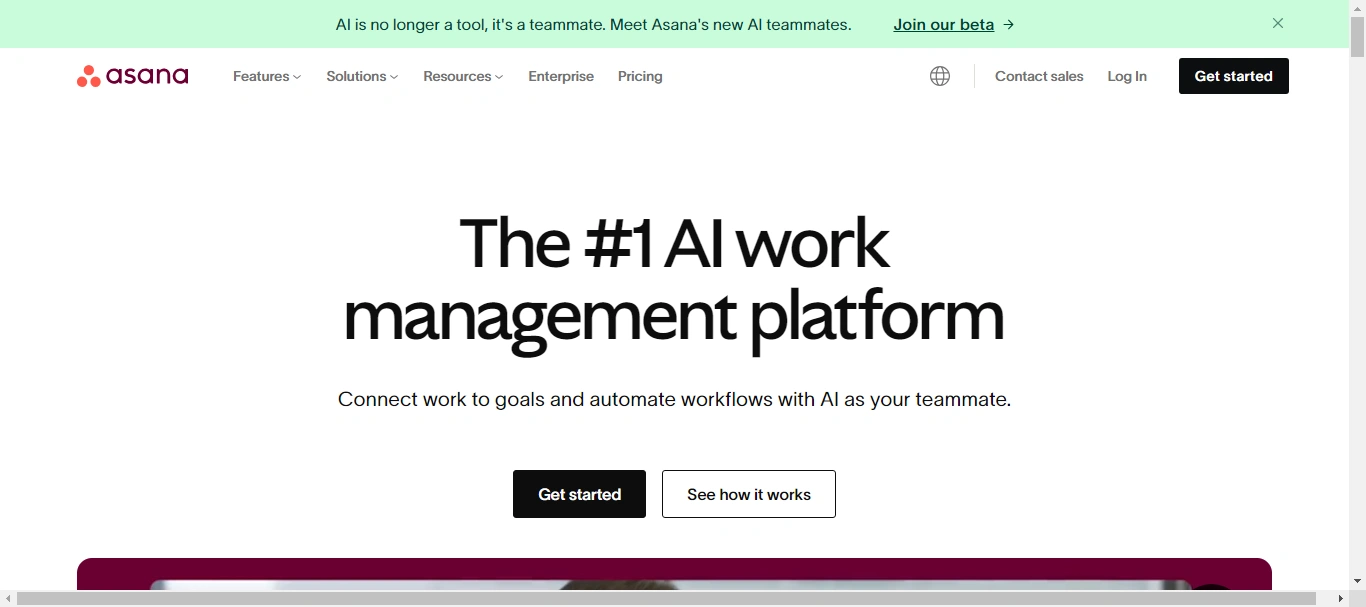
- Why Should Pick It: Asana stands out for its intuitive interface and powerful task management features. Its timeline view and project-tracking capabilities make it an excellent choice for managing complex AI projects. With Asana, teams can easily set goals, track progress, and ensure everyone stays aligned.
- Who It’s For: Asana is ideal for product managers who need a clear overview of project timelines, developers seeking an organized task management system, and app founders looking for a scalable solution to keep their teams on track.
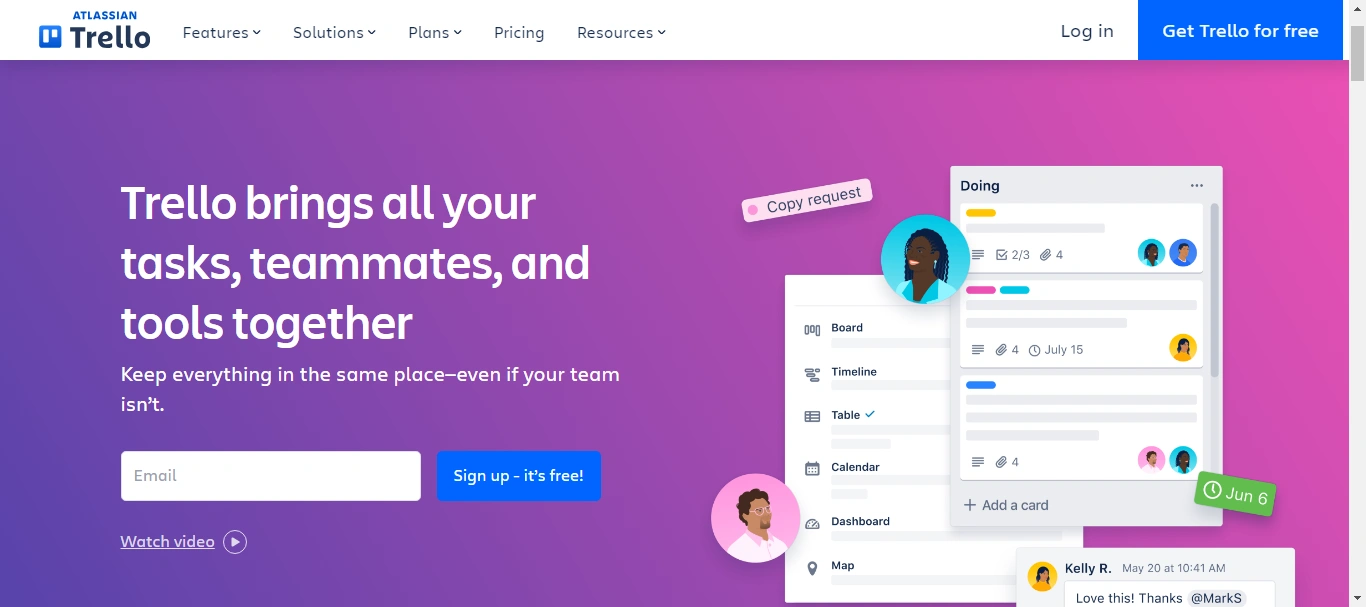
- Why Should Pick It: Trello’s simple, Kanban-style boards make it incredibly easy to visualize workflows and track tasks. Its flexibility allows teams to customize boards to fit their specific needs, whether for sprint planning, bug tracking, or feature launches.
- Who It’s For: Trello is perfect for developers who thrive on visual task management, product managers who prefer straightforward, drag-and-drop interfaces, and engineers looking for an easy way to collaborate on ongoing projects.
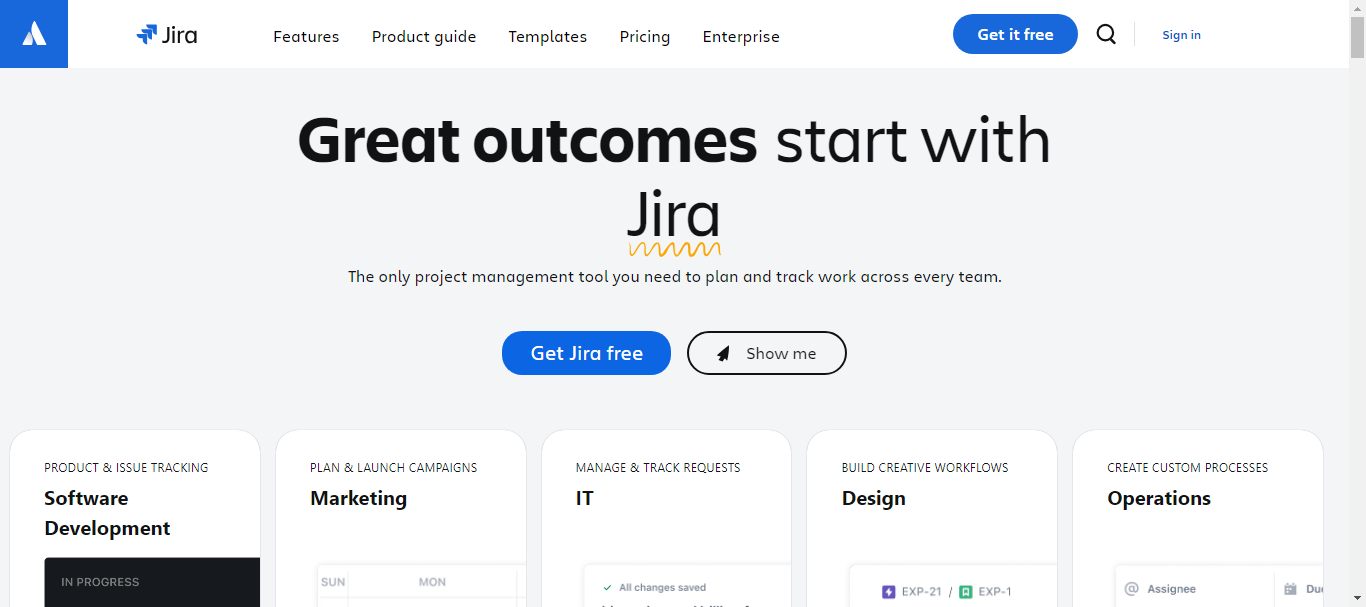
- Why Should Pick It: Jira is a powerhouse for agile development, offering robust features for issue tracking, sprint planning, and release management. It’s tailored for software development teams, providing deep integration with development tools and a highly customizable workflow.
- Who It’s For: Jira is best suited for engineers and developers working in agile environments, product managers overseeing detailed product backlogs, and app founders needing a comprehensive tool to manage development cycles from start to finish which you can learn from a scrum master certification.
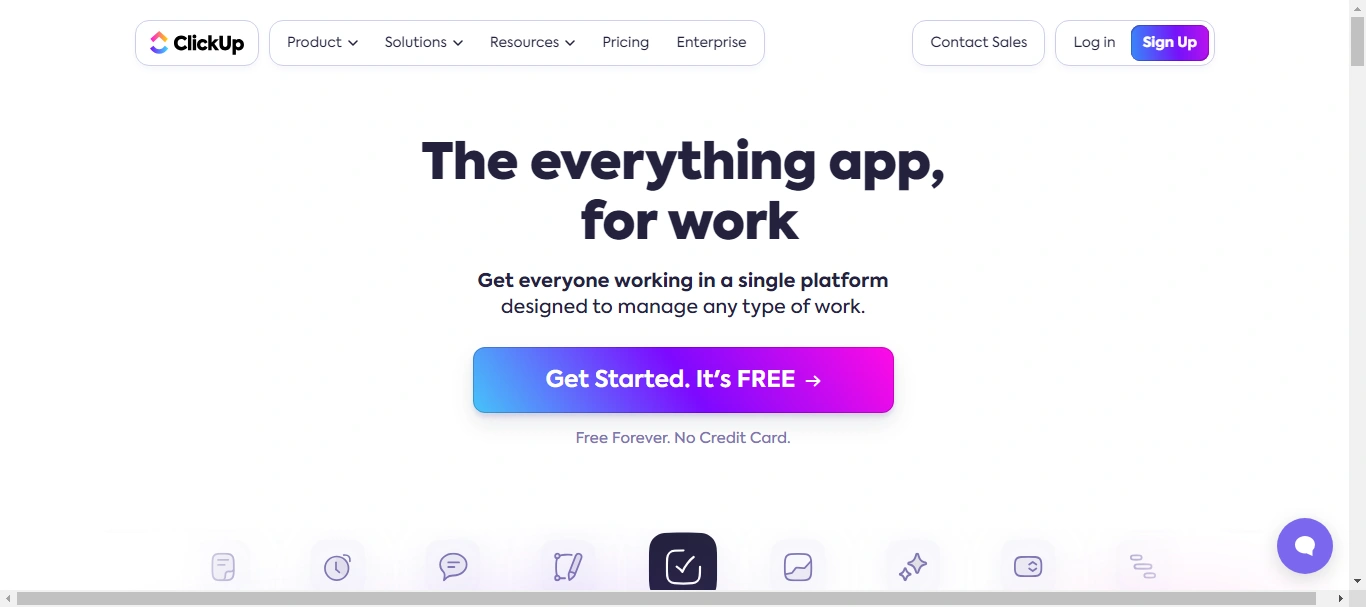
- Why Should Pick It: ClickUp offers a versatile platform that combines task management, goal setting, and time tracking. Its customizable views (list, board, box, calendar) and comprehensive feature set make it a one-stop solution for diverse project management needs.
- Who It’s For: ClickUp is great for product managers who require extensive customization, developers needing integrated time tracking, and app founders looking for a single platform to manage all aspects of their projects.
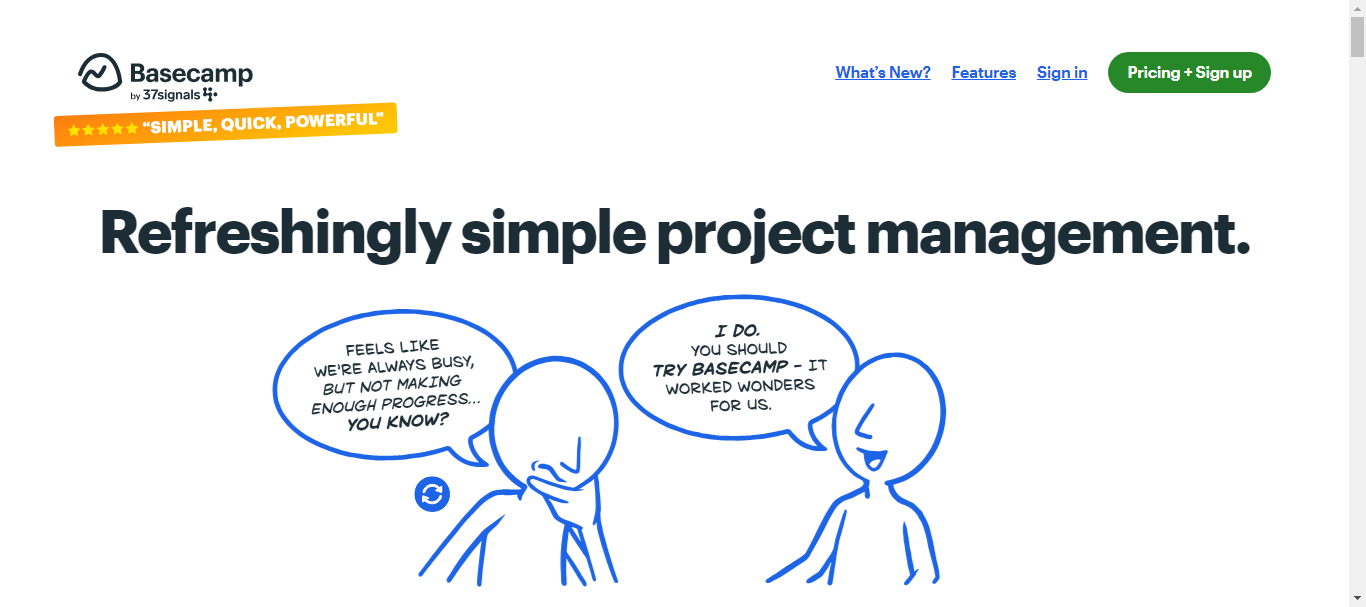
- Why Should Pick It: Basecamp is designed for simplicity and team communication. It consolidates project management, messaging, file sharing, and task tracking into one easy-to-use platform. Its focus on clarity and communication helps keep teams connected and informed.
- Who It’s For: Basecamp is ideal for app founders who want a straightforward, all-in-one tool, product managers focusing on team communication, and engineers looking for a user-friendly interface to manage tasks and share updates.
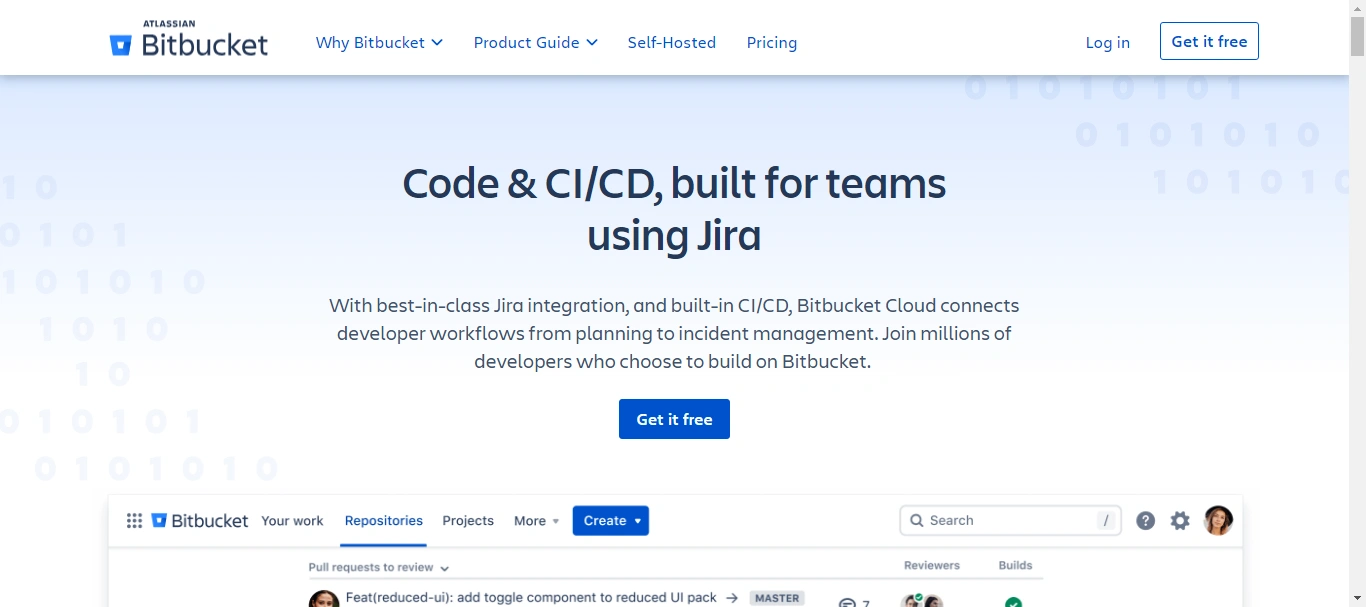
- Why Should Pick It: Bitbucket stands out for its seamless integration with other Atlassian products like Jira and Trello, making it an excellent choice for teams already using these tools. It offers robust code collaboration features, including in-line commenting and powerful branching models, all within a secure environment.
- Who It's For: Bitbucket is tailored for developers and project managers who need a reliable and secure platform for managing their repositories. It’s especially beneficial for teams that rely on Atlassian’s suite of tools, providing a cohesive and integrated development experience.
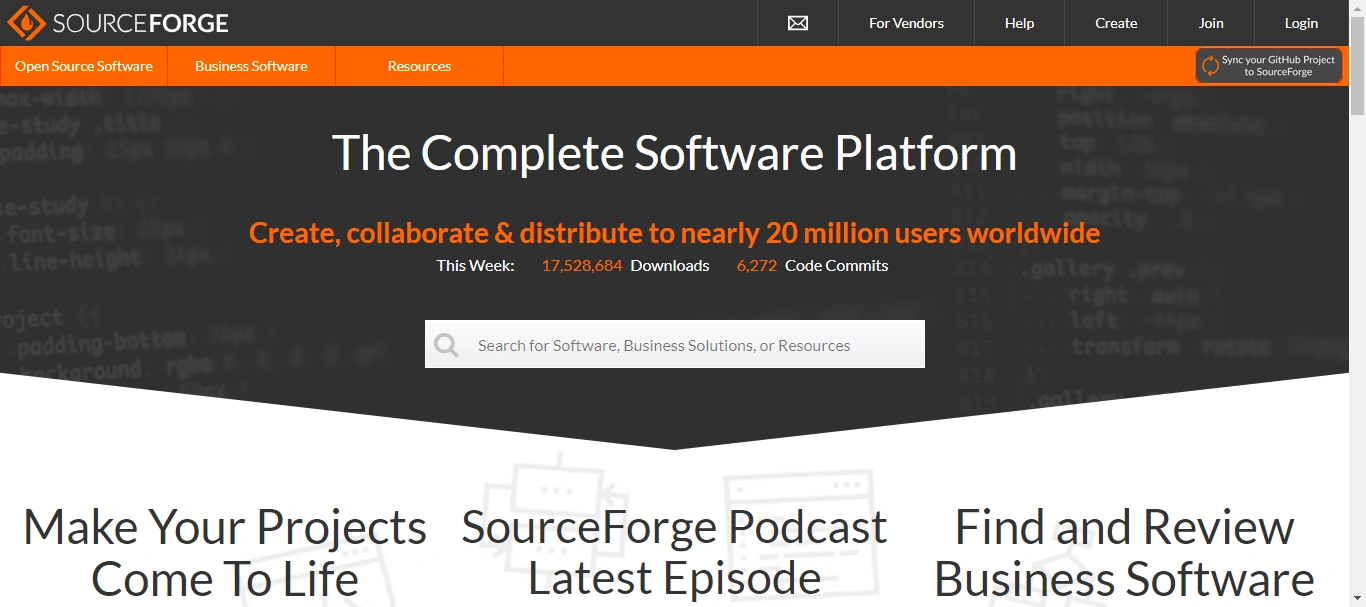
- Why Should Pick It: SourceForge has a long-standing reputation in the developer community, particularly for open-source projects. It offers a comprehensive set of tools for code management, including version control, bug tracking, and project management. SourceForge also boasts a large directory of open-source software, making it a valuable resource for developers.
- Who It's For: SourceForge is best suited for developers and engineers working on open-source projects. Its extensive community support and robust project management features make it an excellent choice for the collaborative development and distribution of software.
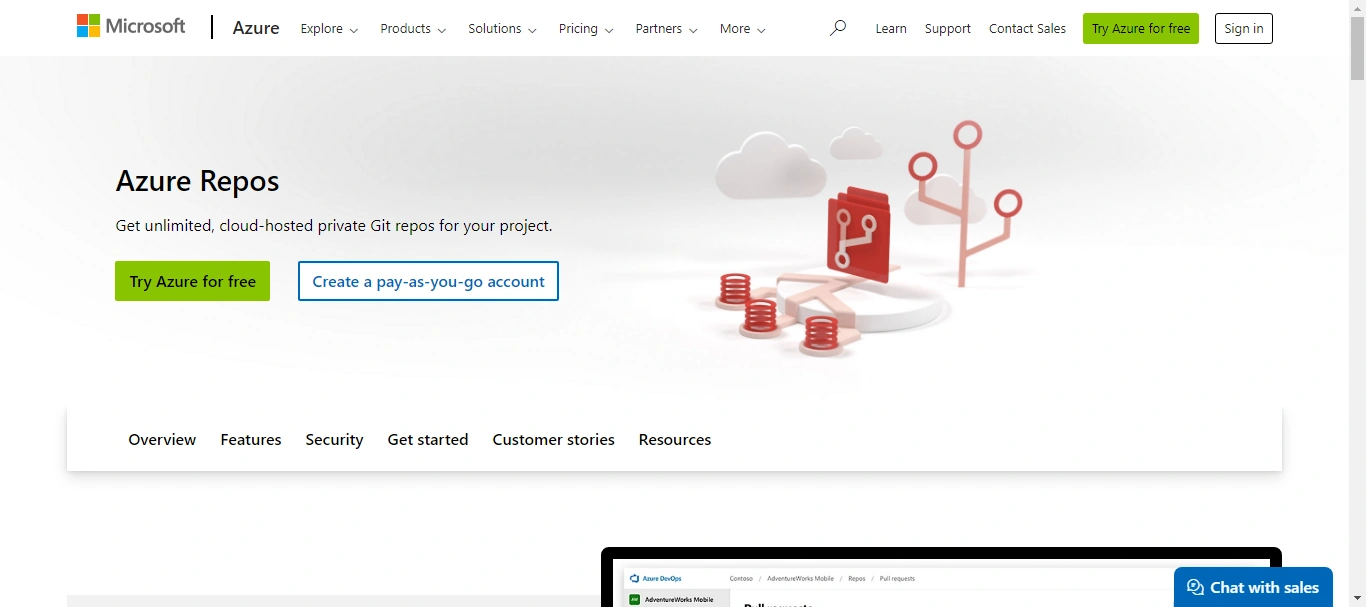
- Why Should Pick It: Azure Repos, part of the Azure DevOps suite, provides unlimited cloud-hosted private Git repos. It’s highly scalable and integrates seamlessly with other Azure services, making it ideal for teams working within the Microsoft ecosystem. Azure Repos supports all Git functionalities along with advanced file management capabilities.
- Who It's For: Azure Repos is designed for development teams, engineers, and app founders who are deeply integrated into the Microsoft environment. Its seamless integration with Azure DevOps tools makes it a powerful option for managing and automating workflows across the entire development lifecycle.
4 Leading Task Management Tools
Efficient task management is crucial for keeping projects on track, especially in the fast-paced world of AI development. Here are some top task management tools that can help you and your team stay organized and productive.
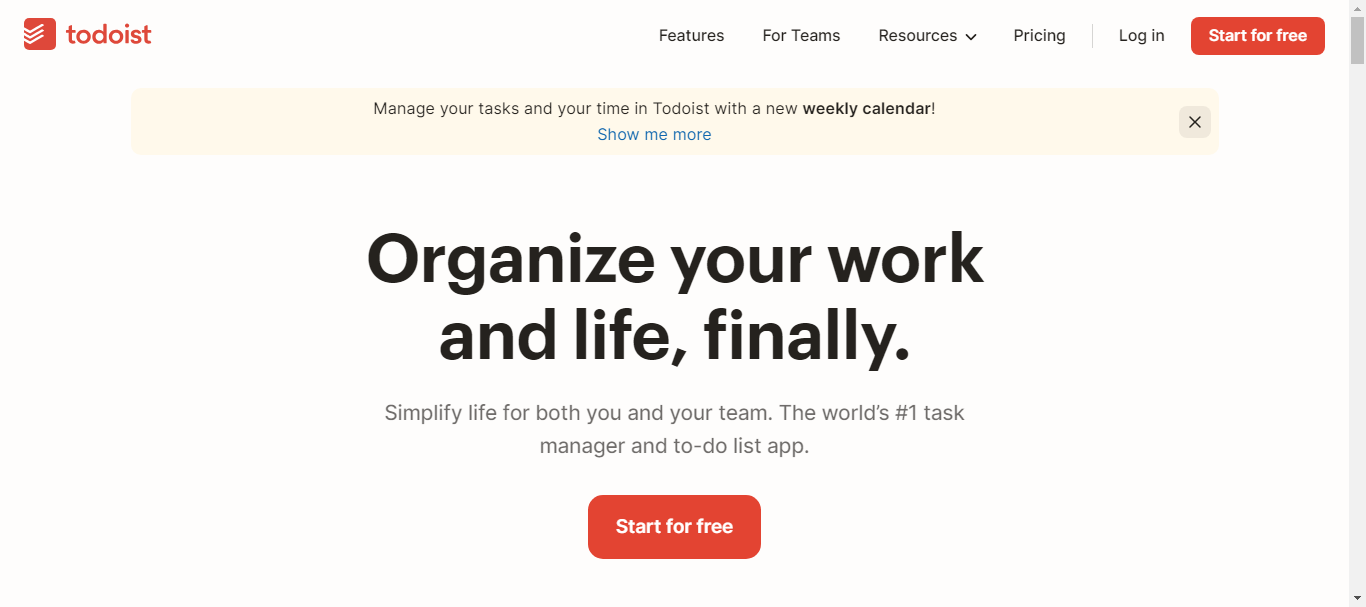
- Why Should Pick It: Todoist stands out for its simplicity and powerful features. It offers a clean, intuitive interface that makes task management effortless. With features like task prioritization, project categorization, and real-time collaboration, Todoist ensures that no task falls through the cracks.
- Who It's For: Developers, product managers, engineers, and app founders who need a straightforward yet robust tool to manage their daily tasks and long-term projects will find Todoist invaluable. Its versatility and ease of use make it ideal for both individual task tracking and team collaboration.
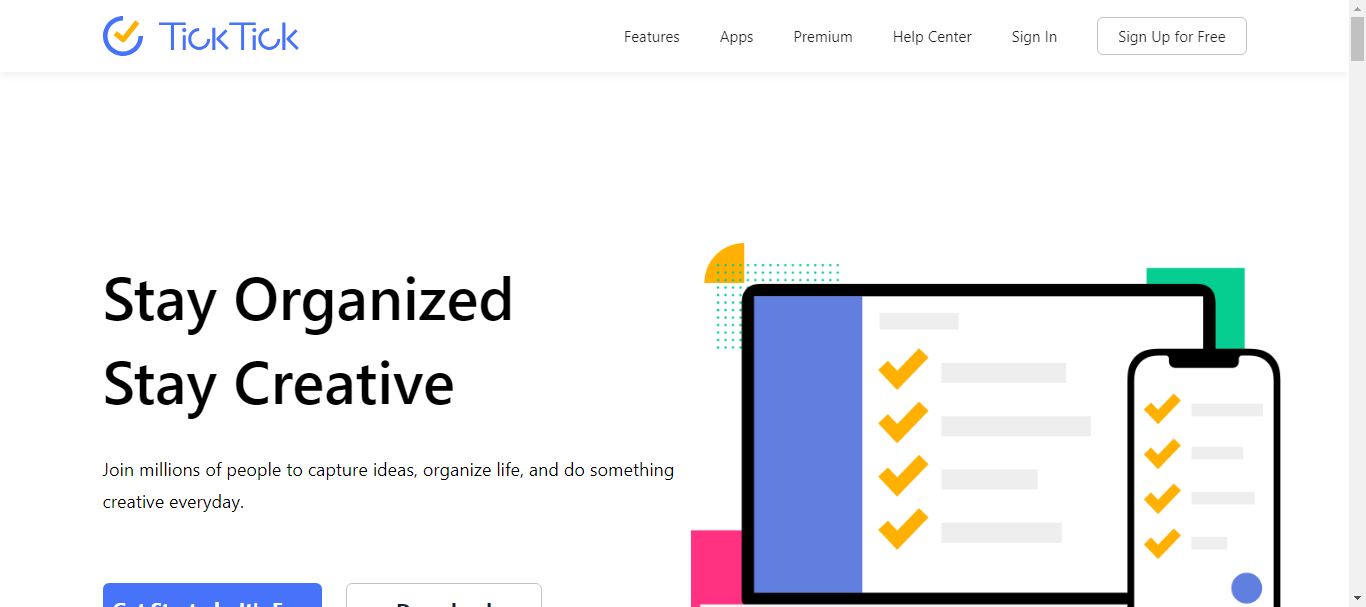
- Why Should Pick It: TickTick combines the best of task management and calendar scheduling in one app. With its powerful features like customizable reminders, recurring tasks, and an integrated calendar view, TickTick helps you keep your schedule and tasks perfectly aligned.
- Who It's For: If you’re a developer or a product manager juggling multiple projects, or an engineer balancing daily tasks with long-term goals, TickTick is designed for you. It’s particularly useful for app founders who need to stay on top of both strategic planning and day-to-day operations.
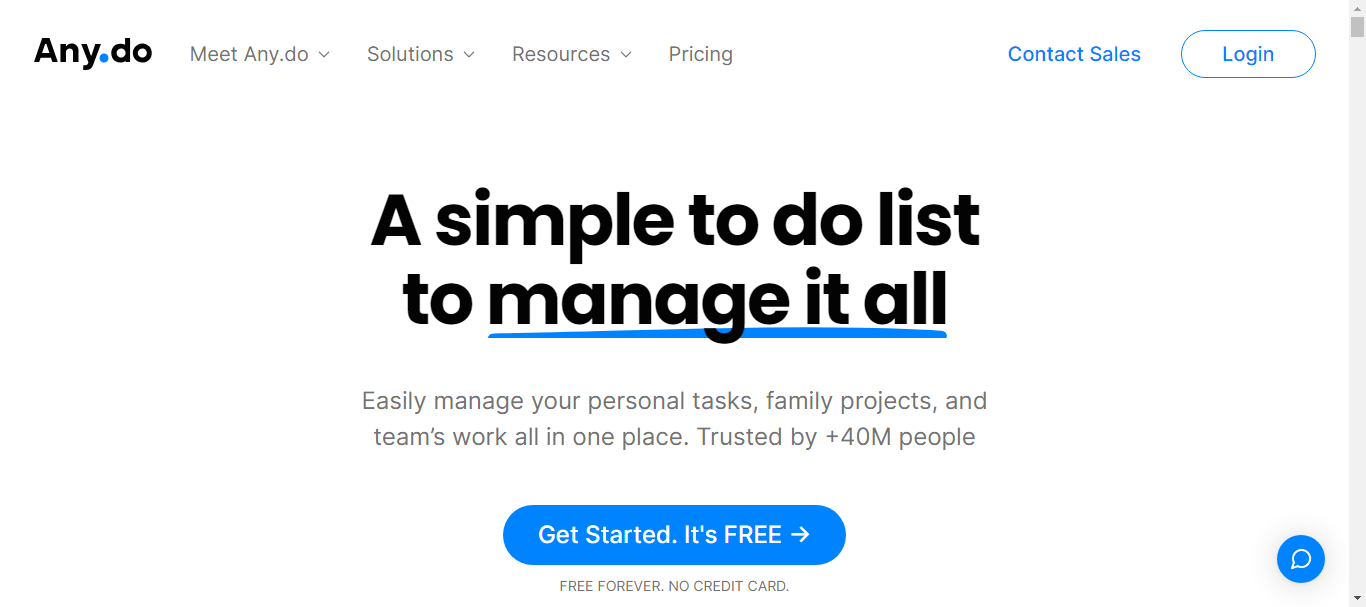
- Why Should Pick It: Any.do excels with its sleek design and seamless integration across devices. It offers features like voice entry for tasks, smart reminders, and collaboration capabilities, making it a standout choice for task management.
- Who It's For: Any.do is perfect for those who value accessibility and a user-friendly interface. Developers, engineers, and product managers who often switch between devices will appreciate how Any.do keep everything in sync. App founders who need a reliable tool to keep their team organized and on task will also find it incredibly useful.
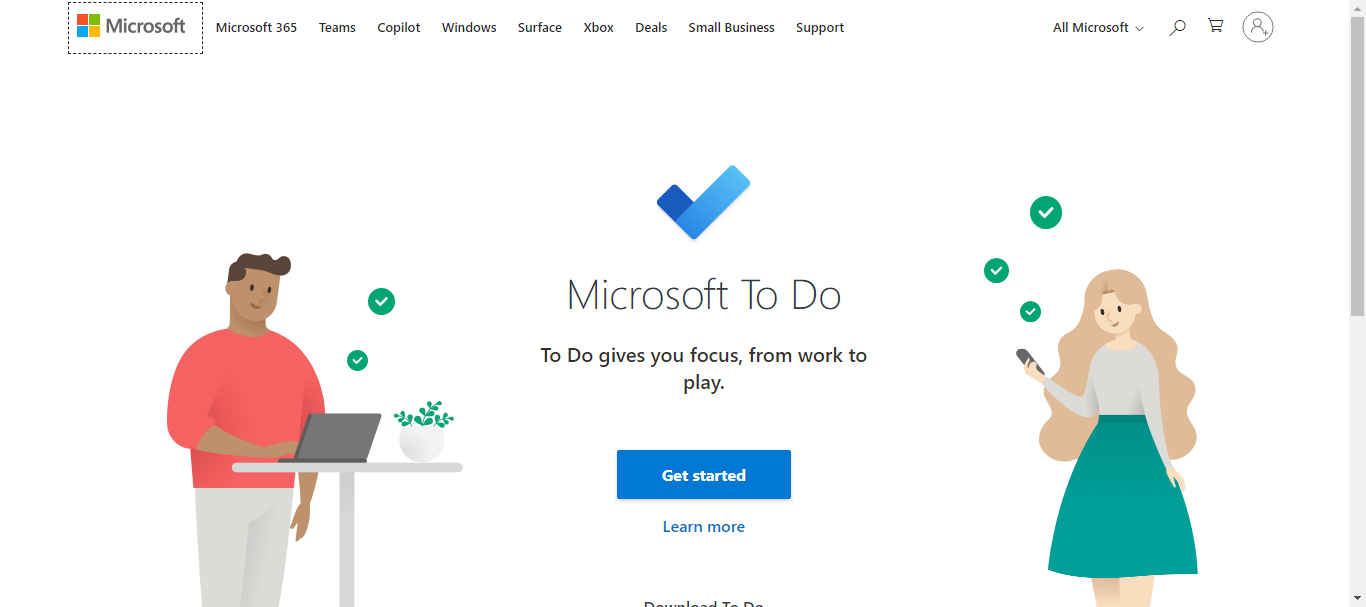
- Why Should Pick It: Microsoft To Do integrates seamlessly with other Microsoft products, offering a familiar environment for those already using Office 365. Its features include task lists, due dates, reminders, and the ability to share lists with team members, making it a comprehensive tool for task management.
- Who It's For: Developers, engineers, and product managers who are embedded in the Microsoft ecosystem will find Microsoft To Do particularly advantageous. For app founders looking for a robust, enterprise-level task management solution that integrates with their existing tools, this is an excellent choice.
5 Top Collaborative Whiteboarding and Visual Collaboration Tools
When it comes to fostering creativity and visual collaboration, having the right whiteboarding tools is essential. These tools not only help in brainstorming sessions but also in planning, designing, and organizing projects. Here are the best picks for developers, product managers, engineers, and app founders:
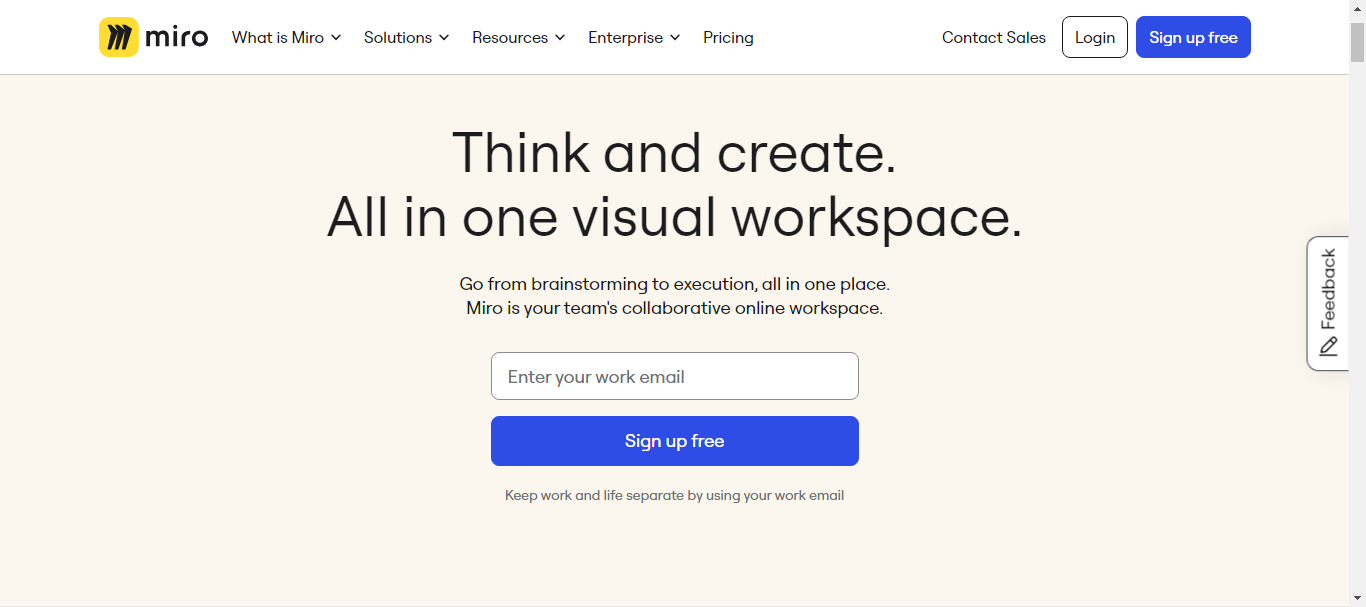
- Why Should Pick It: Miro stands out as a top choice for its extensive range of features tailored for remote collaboration. It offers a vast library of templates, real-time collaboration capabilities, and integration with popular project management tools. Whether you're brainstorming ideas, mapping out user journeys, or conducting agile ceremonies, Miro provides a flexible and intuitive platform.
- Who It's For: Ideal for developers, product managers, engineers, and app founders who need a robust tool for visual brainstorming and project planning. Miro is perfect for teams that value flexibility and need a space to collaborate creatively, regardless of their location.
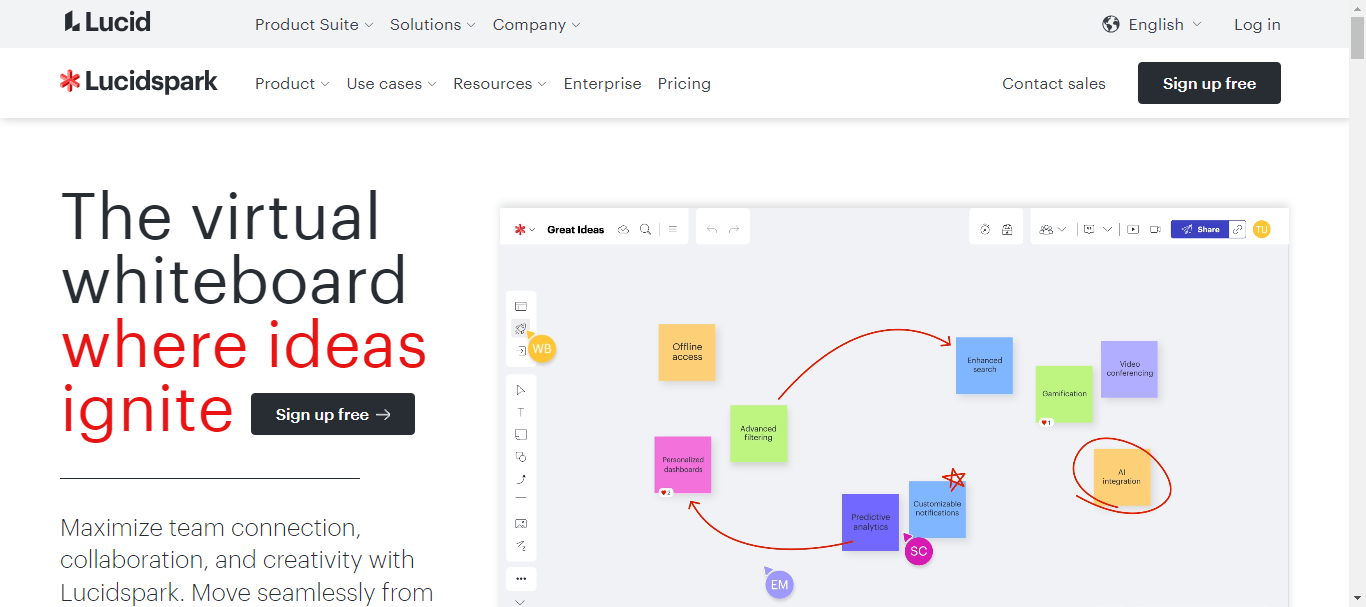
- Why Should Pick It: Lucidspark is a powerful tool designed for dynamic and interactive brainstorming sessions. Its user-friendly interface makes it easy to quickly capture and organize ideas. With features like sticky notes, freehand drawing, and voting, Lucidspark fosters active participation from all team members.
- Who It's For: This tool is a great fit for product managers and engineers who thrive on interactive and engaging brainstorming sessions. Lucidspark is also excellent for developers and app founders looking to turn initial concepts into actionable plans with their teams.
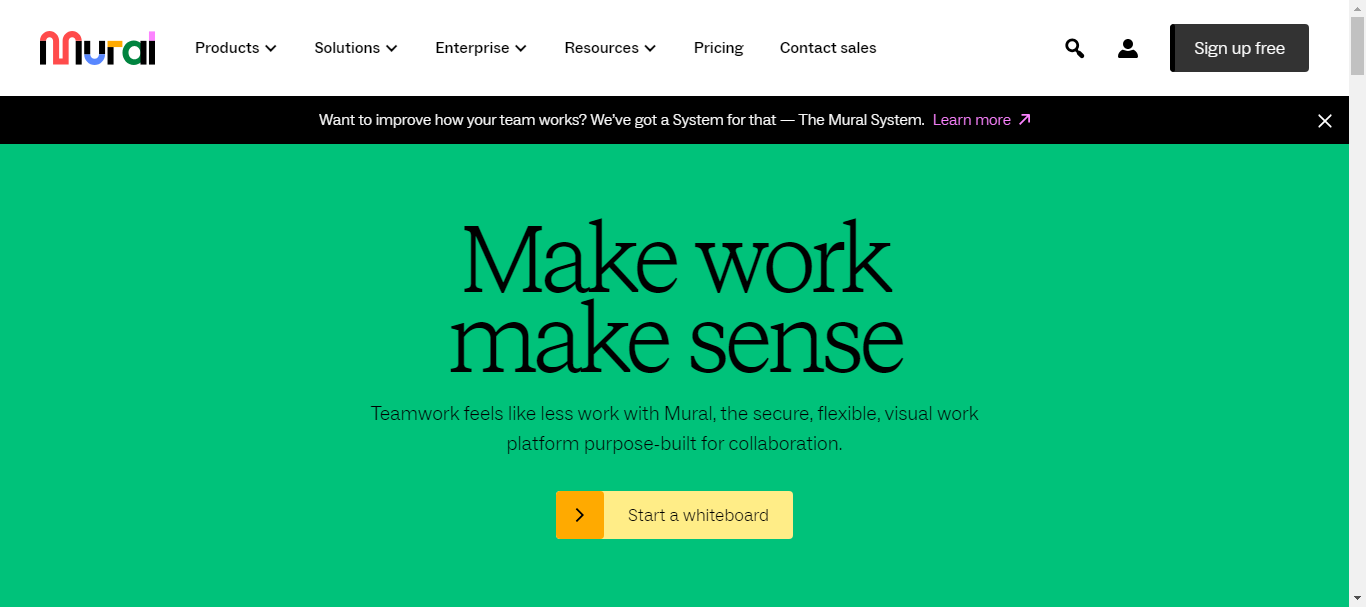
- Why Should Pick It: Mural excels in facilitating visual collaboration for distributed teams. It provides an immersive digital workspace where teams can brainstorm, plan, and share ideas visually. With its intuitive interface and variety of templates, Mural helps streamline the collaborative process, making it easy to capture complex ideas.
- Who It's For: Mural is perfect for product managers, engineers, and developers who need a visual and interactive way to collaborate. It's particularly useful for app founders who want to bring their vision to life and ensure all team members are aligned and engaged.
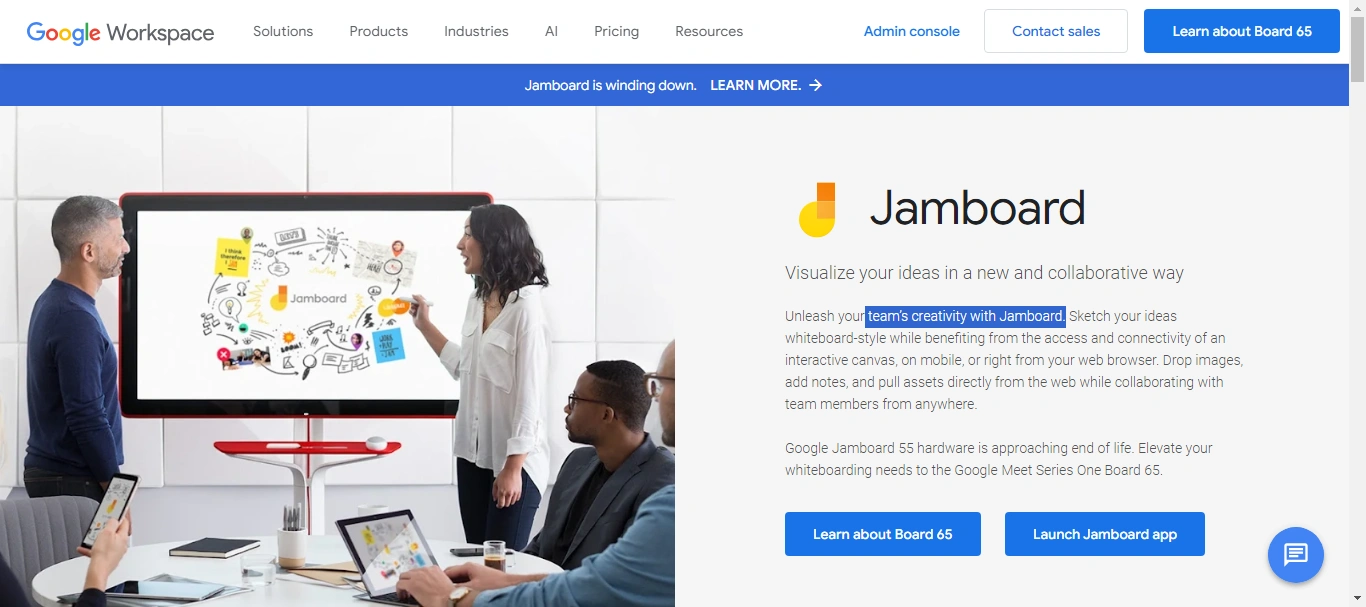
- Why Should Pick It: Google Jamboard offers a seamless experience for teams already using the Google Workspace suite. Its real-time collaboration features and integration with Google Drive make it a convenient choice for teams looking for a straightforward, yet effective whiteboarding tool.
- Who It's For: This tool is ideal for developers and engineers who are comfortable within the Google ecosystem. Product managers and app founders who need a simple, integrated solution for brainstorming and project planning will also find Jamboard highly beneficial.
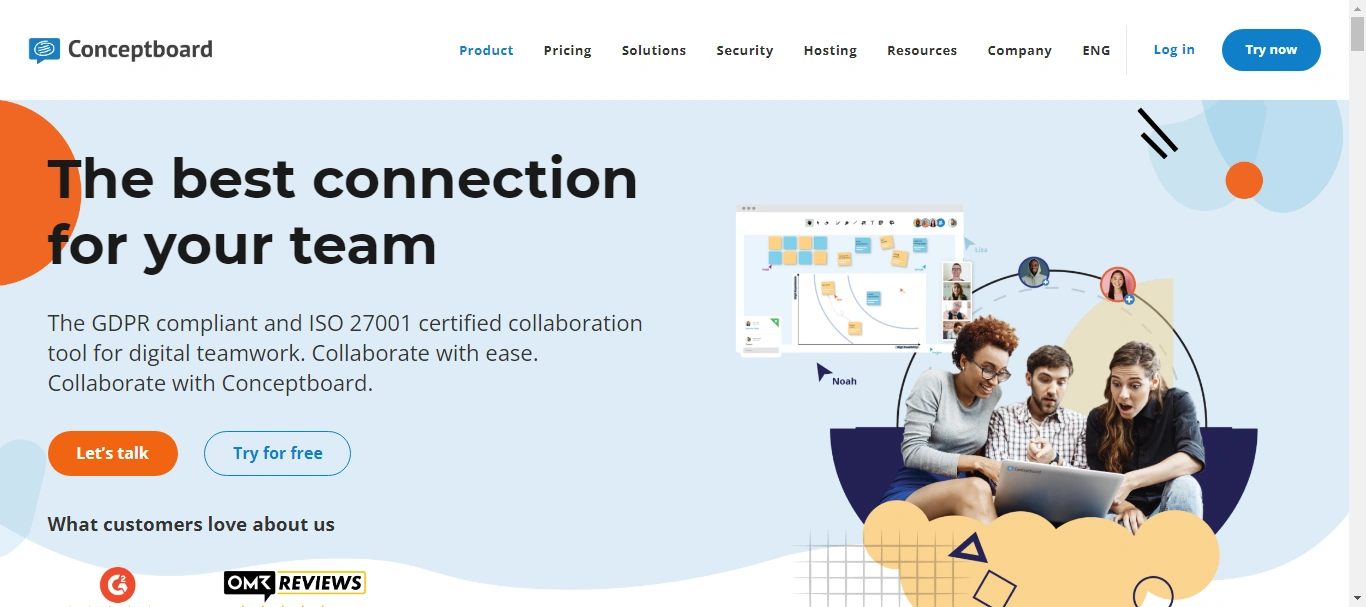
- Why Should Pick It: Conceptboard is designed to support real-time visual collaboration on a global scale. It offers a range of features such as infinite canvases, easy annotation, and robust security measures. Conceptboard excels in bringing distributed teams together, making collaboration smooth and efficient.
- Who It's For: Developers, engineers, product managers, and app founders looking for a secure and versatile whiteboarding tool will find Conceptboard a valuable asset. It's especially suited for teams that need a reliable platform to communicate complex ideas and workflows visually.
Rise of AI-Powered Development Tools
As we've seen, many collaboration tools exist to streamline teamwork and communication for AI development teams. However, the marketplace is shifting. With AI taking center stage, companies are increasingly turning towards software development tools that can build entire products or apps in less time.
That's what CodeConductor can do!
CodeConductor isn't just a collaboration tool. It's a powerful, all-in-one platform designed to revolutionize software development.
CodeConductor allows you to host, build, launch, and grow your production-grade applications and enterprise-grade products entirely online. Whether you're a startup or a well-established enterprise team, CodeConductor is built for everyone.
Here's the beauty of CodeConductor: simply describe your concept, and the built-in AI takes care of the rest. No more lengthy coding sessions – CodeConductor lets you focus on your vision.
Wrapping Up!
Choosing the right collaboration tools is essential for the success of AI development teams.
From project management and version control to communication and AI-powered development, each mentioned above tool enhances productivity and innovation.
Hence, the right tools can change your team's workflow, driving projects to successful completion faster and more efficiently.
Also, give a chance to CodeConductor.AI and streamline your software development process. Book a free demo to know more.
Questions Curious Minds Want to Know
1. How can AI development teams ensure data security while using collaboration tools?
Implement robust encryption, access controls, and regular security audits to ensure data security. Use tools with built-in security features tailored for AI projects.
2. What are the challenges of using collaboration tools in remote AI development teams?
Challenges include time zone differences, maintaining consistent communication, and ensuring data synchronization. Solutions involve using asynchronous communication tools and regular virtual meetings.
3. How do collaboration tools enhance productivity in AI development projects?
Collaboration tools streamline communication, facilitate project management, and enable real-time collaboration, thus reducing project delays and improving overall productivity.
4. What role does project management software play in AI development?
Project management tools help track progress, allocate resources, and maintain deadlines, ensuring smooth project execution and accountability.
5. Can collaboration tools be customized for specific AI workflows?
Yes, many collaboration tools offer APIs and integrations allowing customization to fit specific AI workflows and processes.
6. How important is real-time communication in AI development?
Real-time communication is crucial for addressing issues promptly, coordinating tasks, and maintaining alignment among team members, enhancing overall project efficiency.
7. How do collaboration tools support continuous integration/continuous deployment (CI/CD) in AI projects?
Collaboration tools integrate with CI/CD pipelines to automate testing and deployment, ensuring faster and more reliable releases.
8. How can AI teams ensure seamless integration between different collaboration tools?
Utilize tools with robust APIs and integration capabilities, and implement middleware solutions to bridge gaps between different platforms, ensuring smooth data flow.
9. What are the advantages of using cloud-based collaboration tools for AI development?
Cloud-based tools offer scalability, remote accessibility, real-time updates, and enhanced data storage, enabling efficient collaboration for distributed AI teams.

![How to Build a Generative AI Model Using Python [Guide 2026]](/_next/image/?url=%2Fuploads%2Fbuild-a-generative-ai-model-using-python-codeconductor-800.webp&w=3840&q=75)