
In today’s fast-paced world, information overload is a constant challenge. Researchers, students, professionals, and even casual learners are bombarded with lengthy documents, reports, and articles, often in PDF format.
Sifting through these documents to extract key information can be incredibly time-consuming. Fortunately, artificial intelligence offers a powerful solution: AI PDF summarizers.
These tools leverage natural language processing (NLP) and machine learning algorithms to automatically generate concise summaries of PDF documents, allowing you to quickly grasp the core concepts and save valuable time.
In this guide, we’ll explore the best AI PDF summarizers available today, helping you choose the right tool to streamline your workflow and conquer information overload.”
Overview of AI PDF Summarization Technology.
AI PDF summarizers employ sophisticated techniques to distill the essence of lengthy documents. At their core, these tools rely on Natural Language Processing (NLP), a branch of artificial intelligence focused on enabling computers to understand and process human language. Here’s a simplified overview of the process:
Text Extraction: The AI first extracts the text from the PDF document. This might involve Optical Character Recognition (OCR) if the PDF contains scanned images.
Text Analysis: The NLP engine analyzes the text, identifying key sentences, phrases, and concepts. This often involves techniques like tokenization, part-of-speech tagging, and named entity recognition.
Summarization Algorithms: The AI then uses summarization algorithms to generate a concise summary. Two primary approaches are:
- Extractive Summarization: Selects the most important sentences directly from the original text and combines them to form a summary.
- Abstractive Summarization: Rewrites the content in its own words, creating a new summary that captures the main ideas. This is more advanced and aims to mimic human summarization.
Output Generation: The AI generates a summary, typically in the form of a paragraph or bullet points, ready for the user to review and utilize.
While the underlying technology can be complex, the goal is to provide a user-friendly experience that allows anyone to quickly understand the key information contained within a PDF document.
Top AI PDF Summarizers for Students, legal documents or research papers
Now, let’s dive into detailed reviews of some of the best AI PDF summarizers currently available. These reviews will cover key features, pricing, ease of use, pros, and cons to help you make an informed decision.
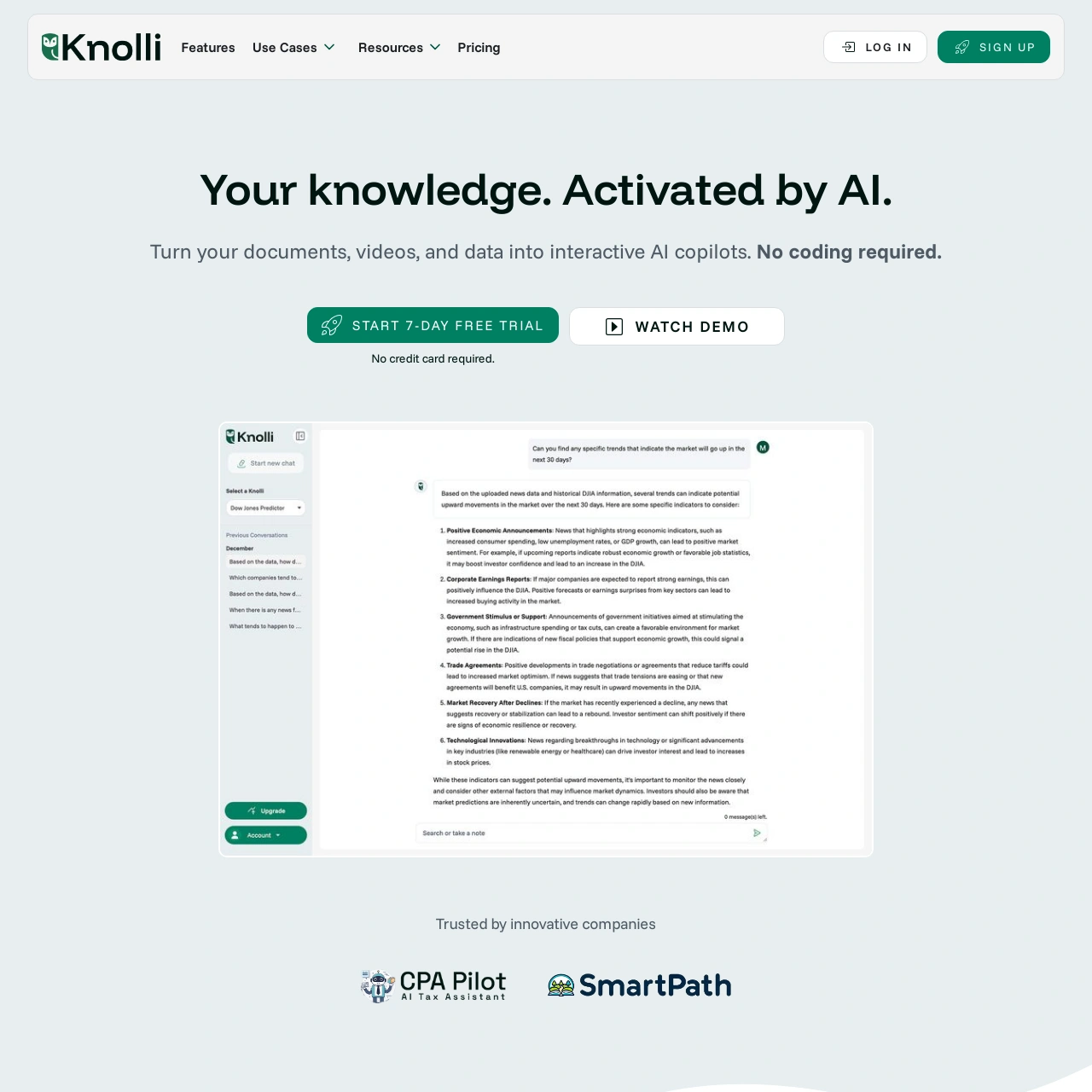
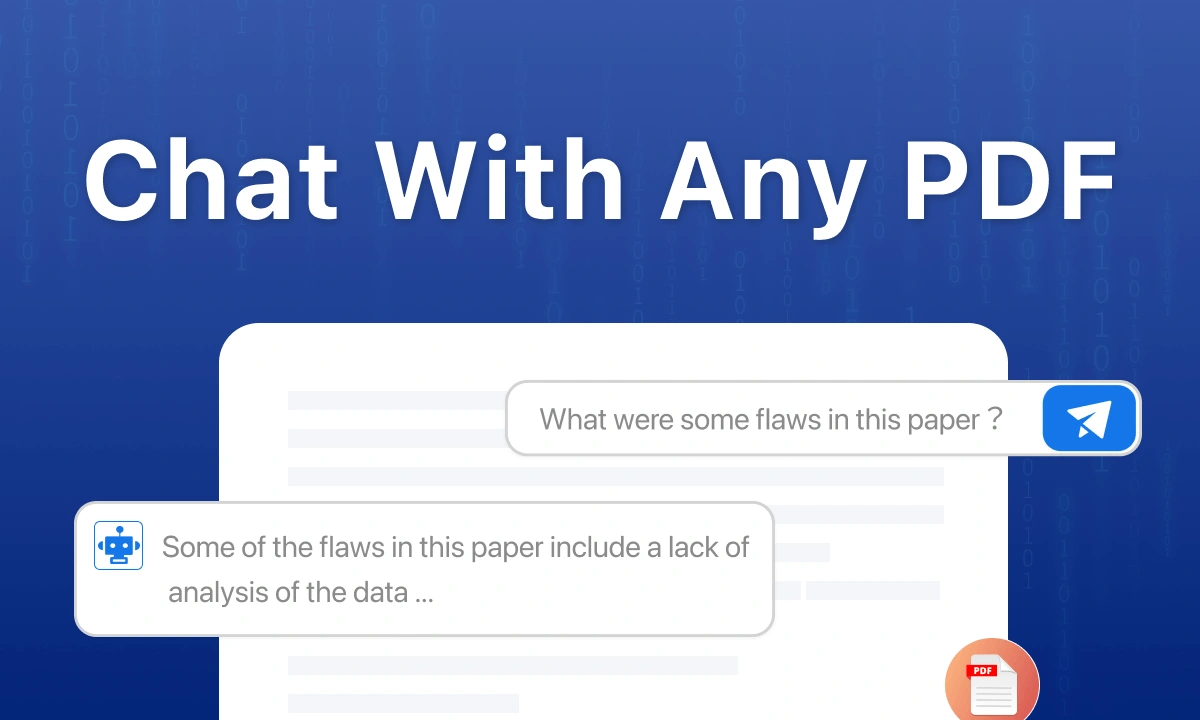
Knolli – AI Chat With PDF
-
Overview: Knolli is an AI text and PDF summarizer that uses OpenAI’s LLM, trained specifically on marketing content with a private knowledgebase.
-
Key Features: Summarize multiple PDFs and rewrite them as one long-form article; Create channel-specific PDF summaries with just a click and distribute them easily; Generate PDF summaries in 25+ languages.
-
Pricing: Standard: $17 per month; Professional: $199 per month; Advanced: $399 per month.
-
Ease of Use: [To be determined based on user reviews and testing – placeholder for now]
-
Pros: Trained on marketing content with a private knowledgebase; summarizes multiple PDFs; generates channel-specific summaries; supports 25+ languages; cites references.
-
Cons: The quality of the summary depends on the number of credits, so premium summaries can be costly.
-
Verdict: Knolli is a great option for marketers, especially writers who need to generate content with inputs from references and create summaries tailored for social media and other channels.
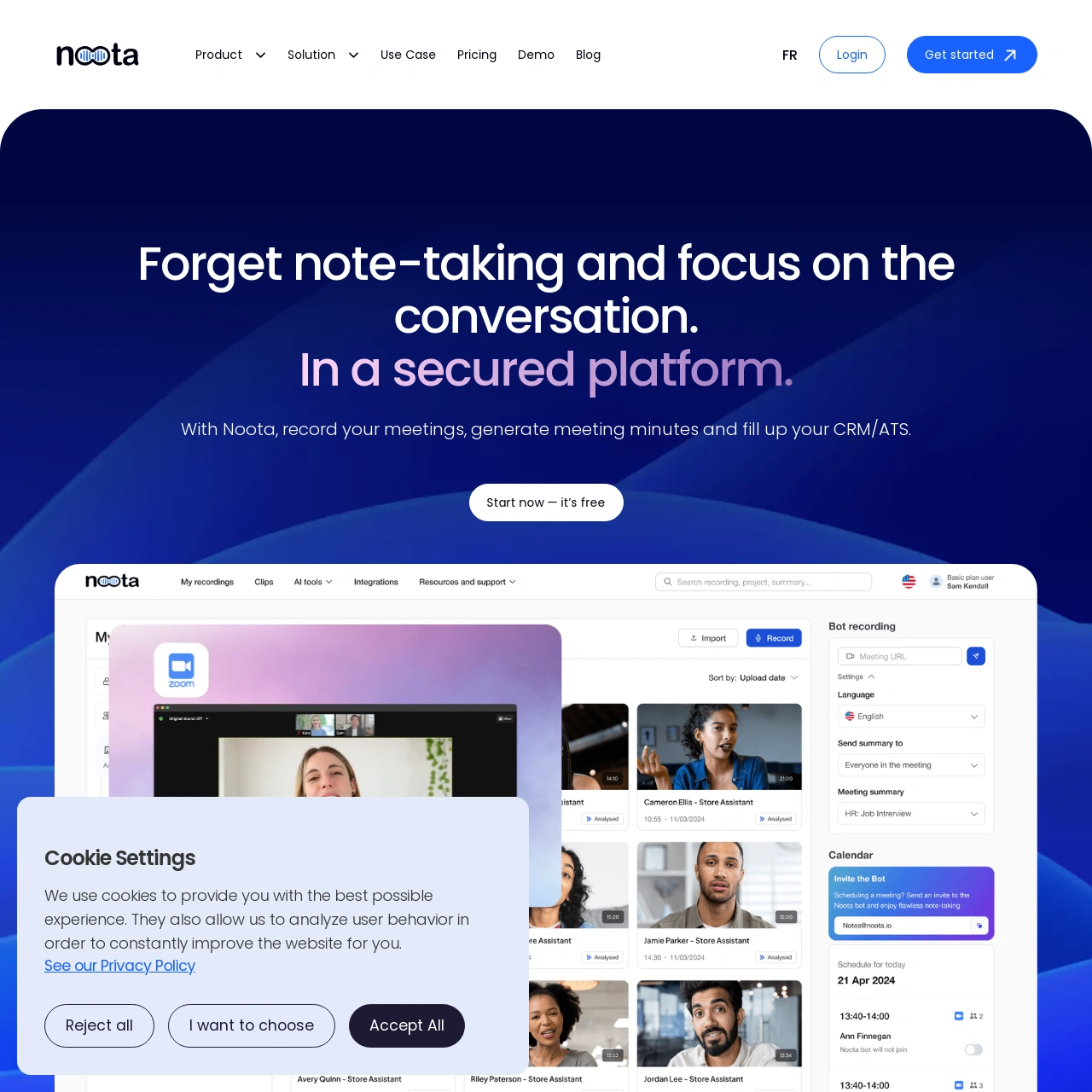
Notta
-
Overview: Notta is an AI-powered tool primarily focused on audio and video transcription and summarization. It offers real-time transcription capabilities and can also summarize cloud-based files.
-
Key Features: Real-time transcription, cloud file transcription and summarization, and a free Chrome Extension.
-
Pricing: One free plan and paid plans from $14.99 per user billed monthly.
-
Ease of Use: [To be determined based on user reviews and testing – placeholder for now]
-
Pros: Excellent for summarizing audio and video content; offers real-time transcription; integrates with Chrome.
-
Cons: Primarily designed for audio/video; PDF summarization might be a secondary feature; the ease of use for PDF summarization needs verification.
-
Verdict: Notta is a strong contender for users needing audio and video summarization, but its PDF summarization capabilities require further investigation to determine its effectiveness compared to dedicated PDF summarizers.


![What Is Claude Code? Features, Setup, & Limits [Guide]](/_next/image/?url=%2Fuploads%2Fclaude-code-codeconductor-2f4c289e-800.webp&w=3840&q=75)