Migrate Your Base44 App to CodeConductor - Quick & Easy
AI App Development
Migrate Your Base44 App to CodeConductor - Quick & Easy
Are you planning to migrate your app away from Base44? CodeConductor makes it easy to migrate from Base44 without rebuilding your app. Export your Base44 project, upload it, and CodeConductor upgrades your workflows with persistent memory, advanced integrations, and scalable deployment, turning prototypes into production-ready applications.
Paul Dhaliwal
Founder & Chief Executive Officer · Updated Oct 16, 2026·8 min read
What You'll Learn
4 key concepts covered
1How to migrate a Base44 app into CodeConductor without rebuilding.
2Why Base44 prototypes hit limits with memory, workflows, and deployment.
3What CodeConductor adds: persistence, integrations, security, and scalable hosting.
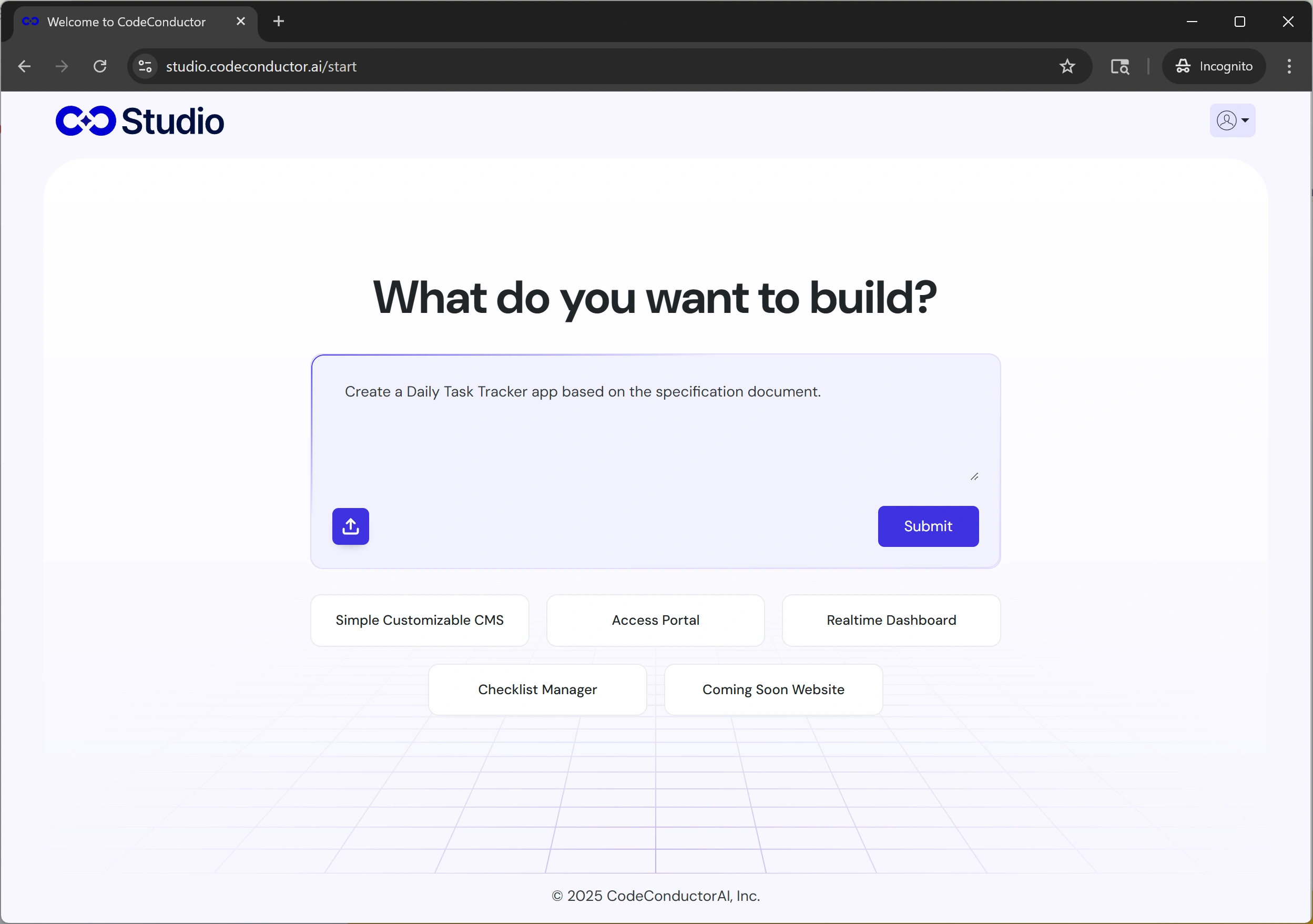
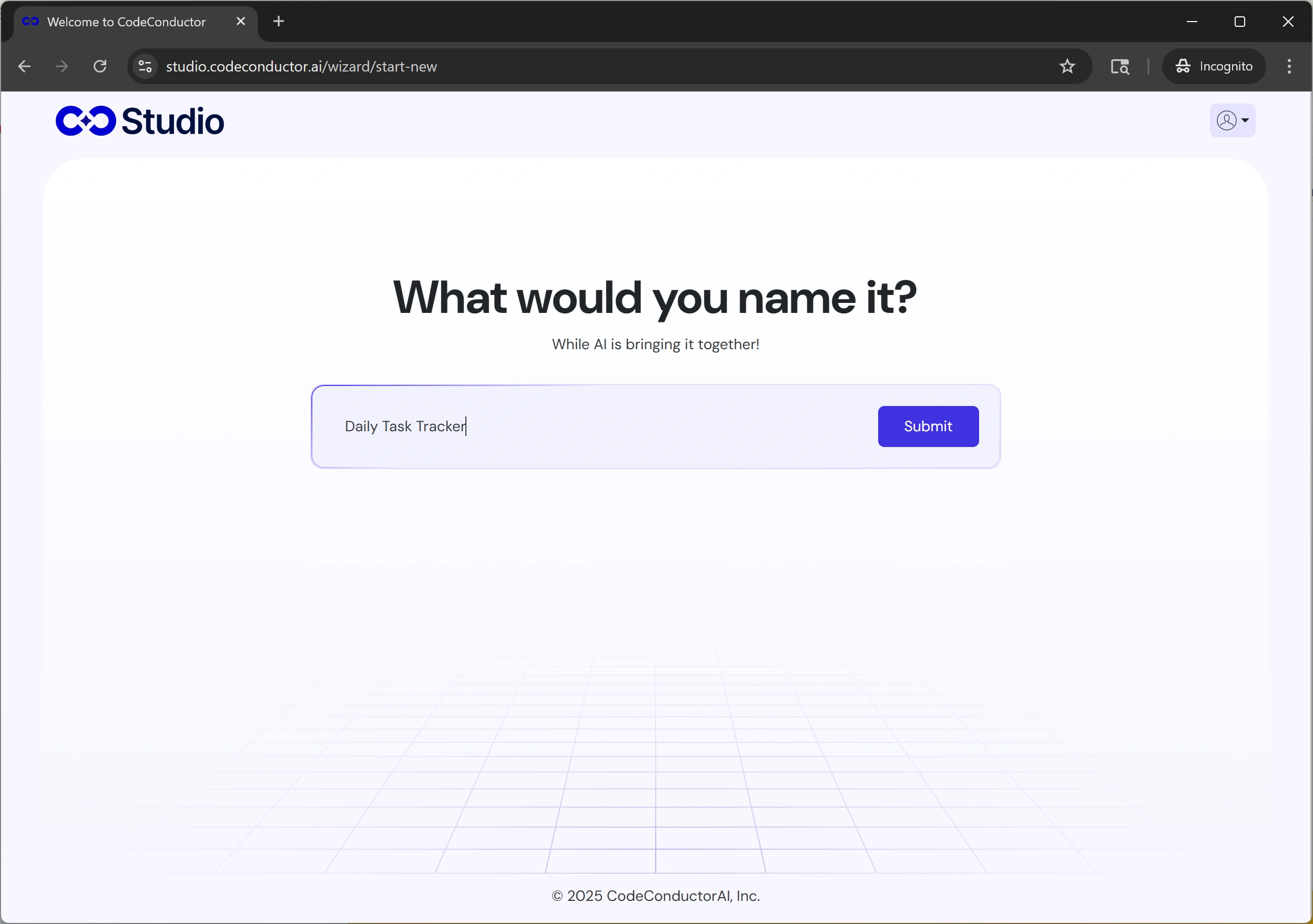
4A simple migration flow: prompt, download conversation, upload to CodeConductor.
If your team is planning a Base44 app migration or looking to migrate from Base44 to a platform that supports long-term scalability, you’re in the right place. Base44 is excellent for quickly generating working apps from a prompt, but as your product grows, so does the need for persistent memory, flexible hosting, deeper integrations, and enterprise-ready workflows.
That’s where CodeConductor steps in.
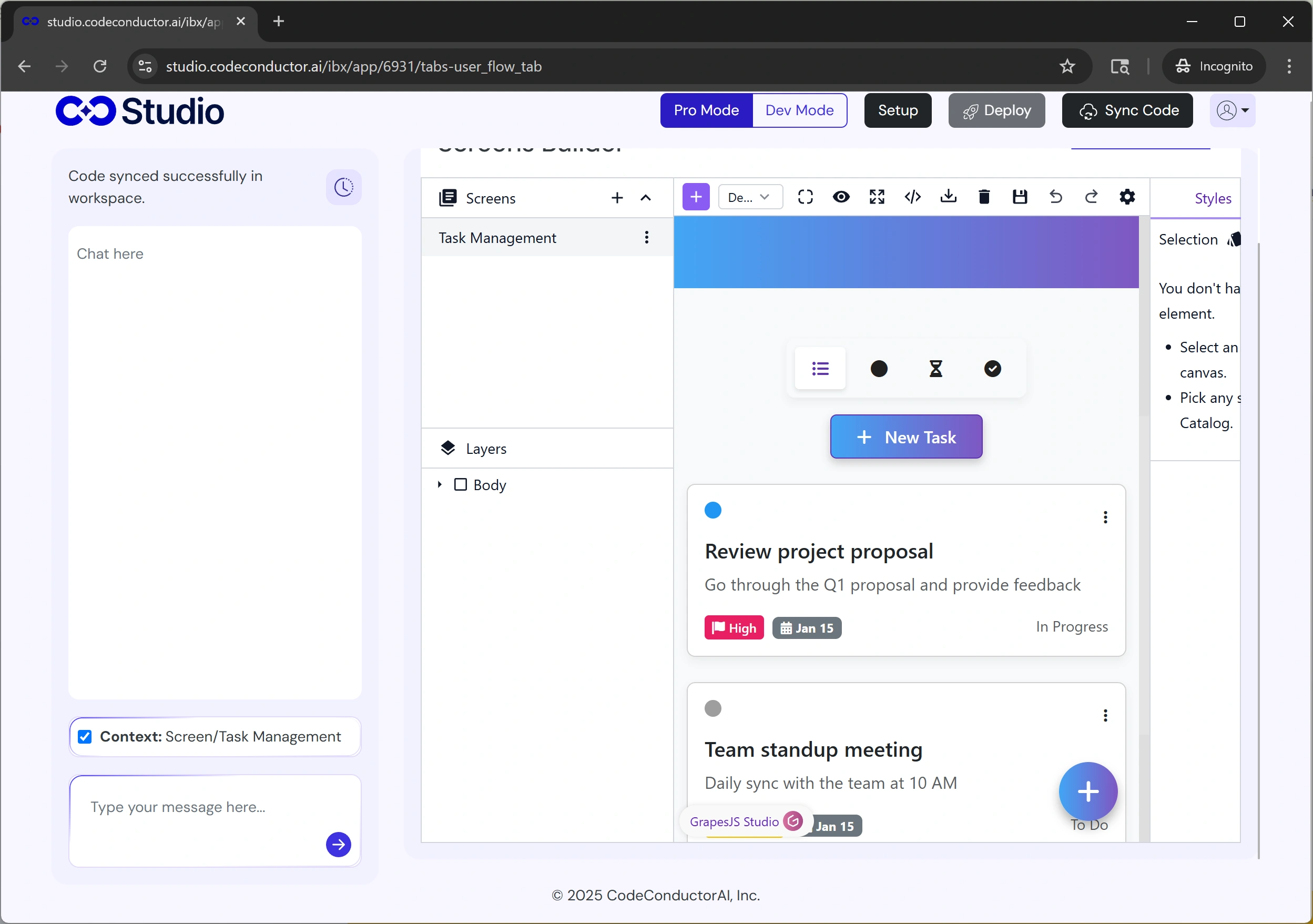
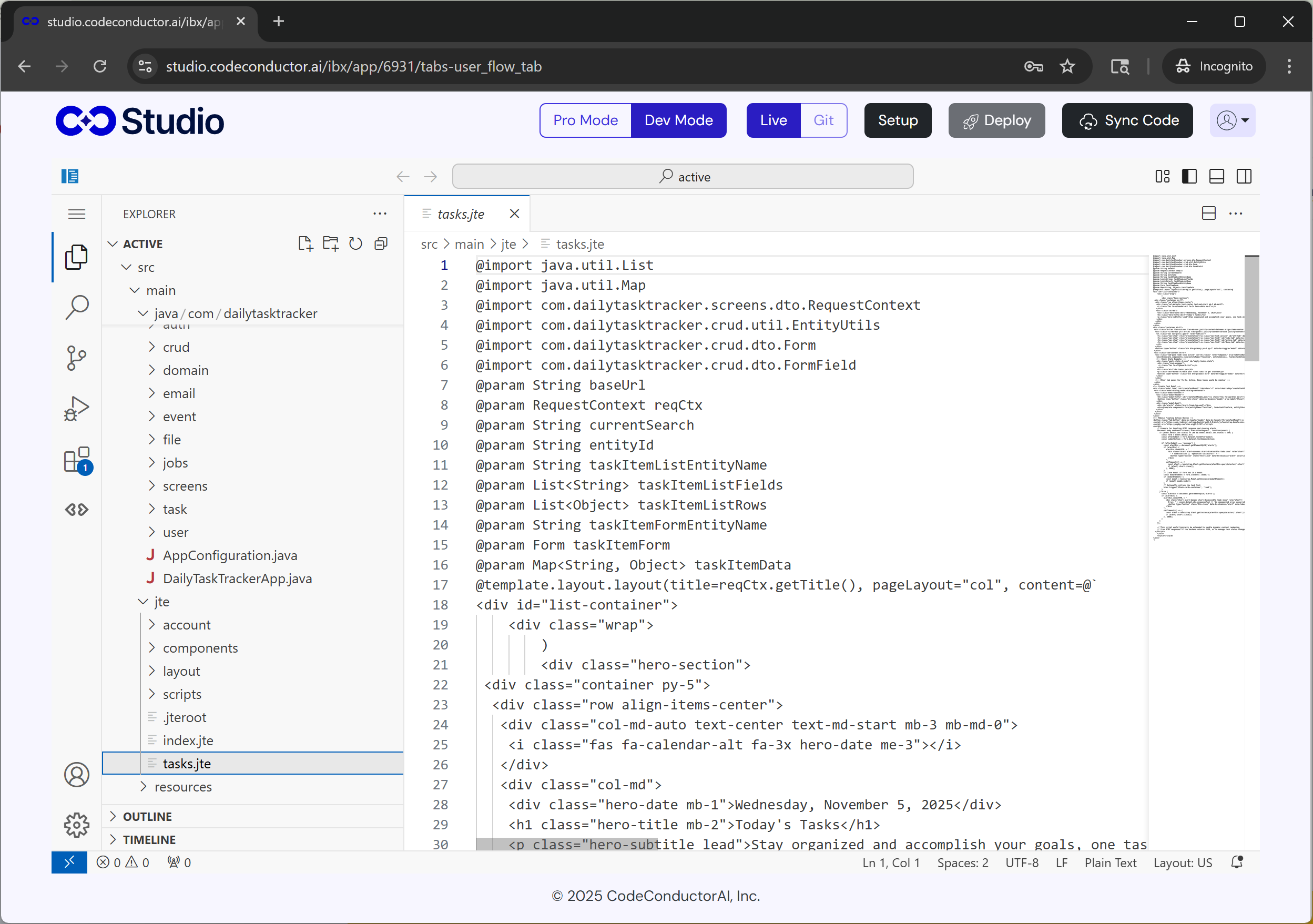
CodeConductor takes everything you’ve already built in Base44 and helps you evolve it into a fully scalable production-ready system — no rebuilding from scratch. With support for persistent data storage, smart workflow logic, role-based collaboration, API + database connectivity, and flexible deployment options (cloud, local, or VPC), CodeConductor unlocks the production potential of your app.
And the best part? The migration process is guided by CodeConductor itself, you simply:
Run a migration prompt in Base44
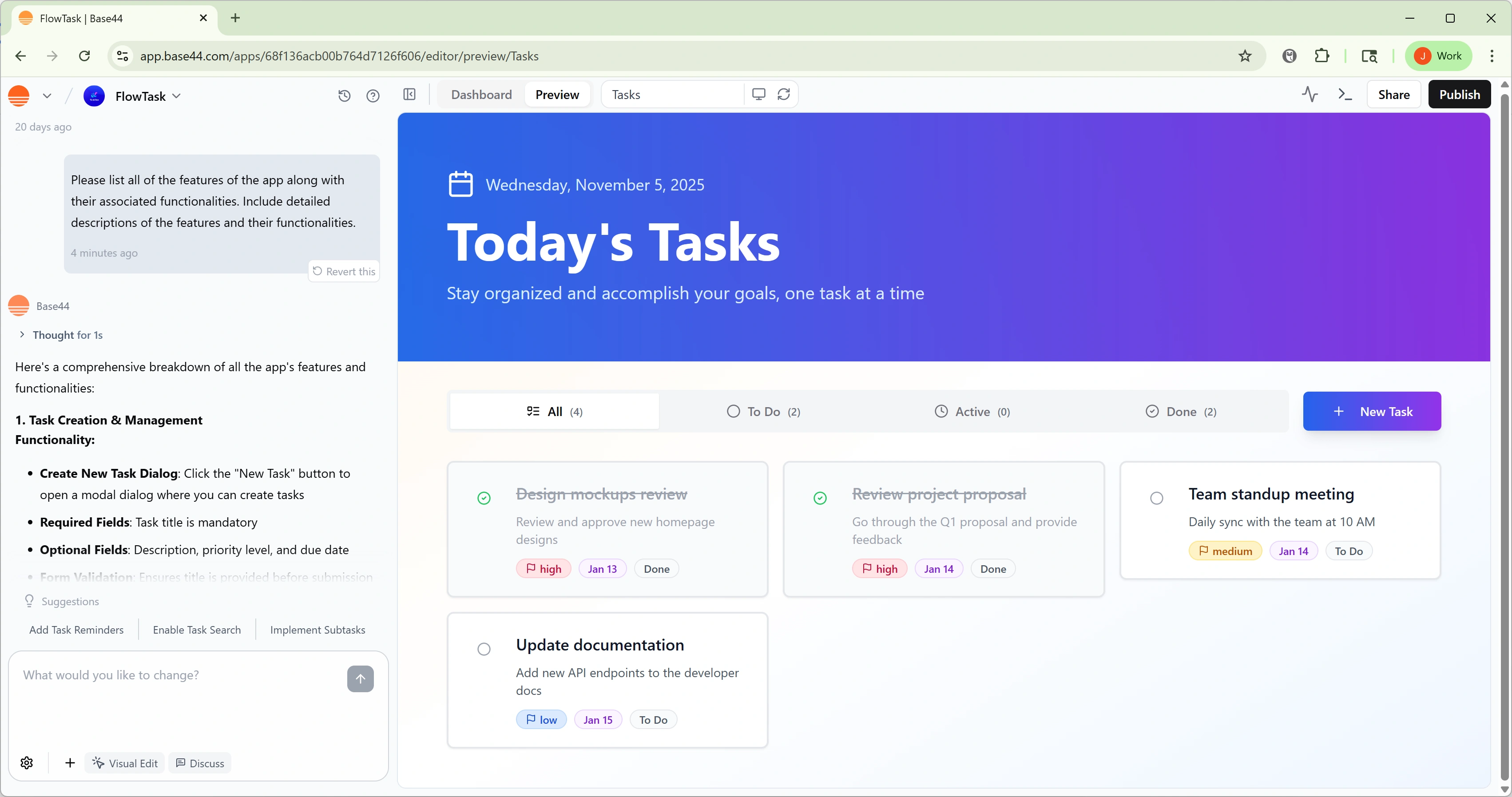
Download your updated conversation
Upload it to CodeConductor
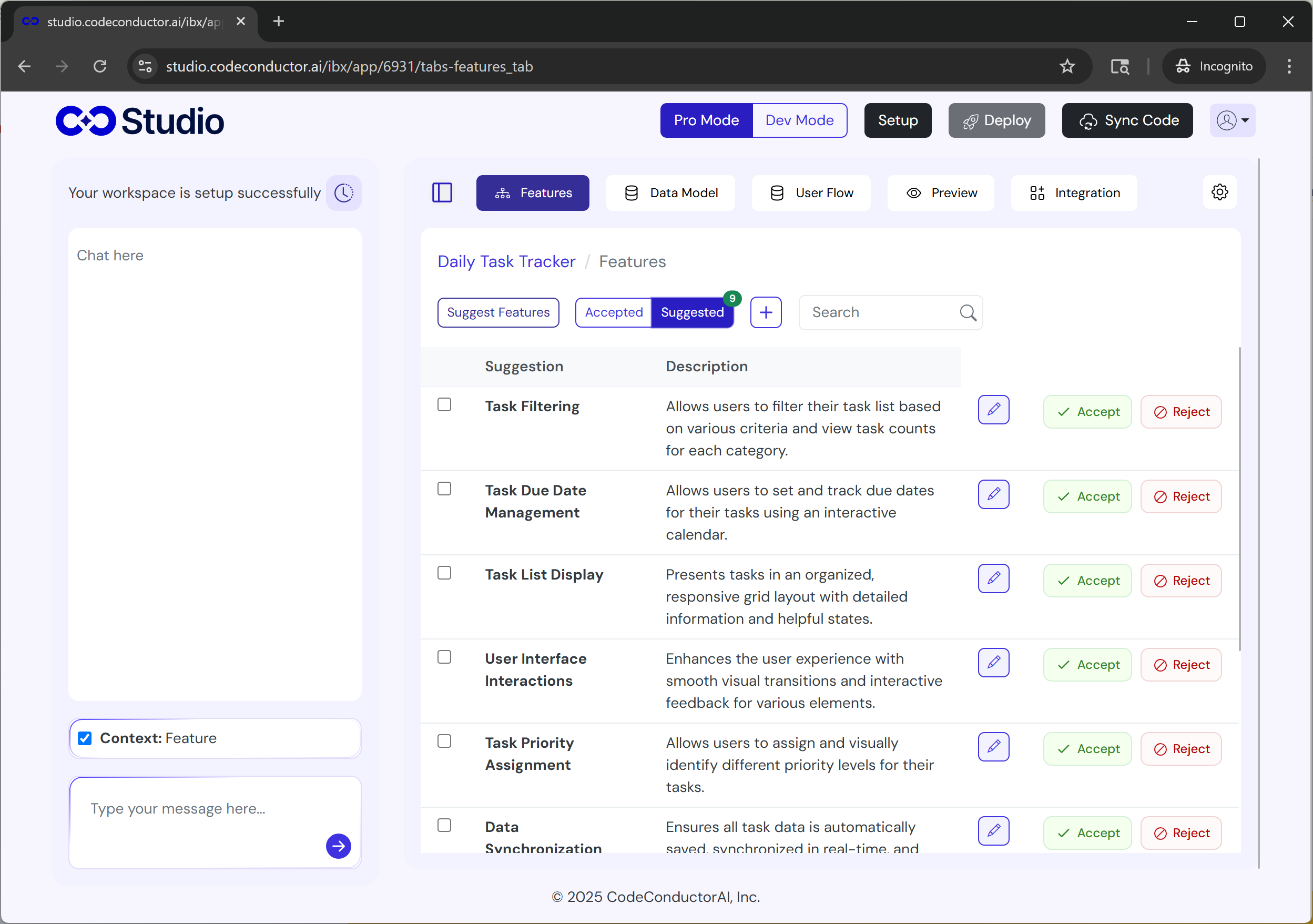
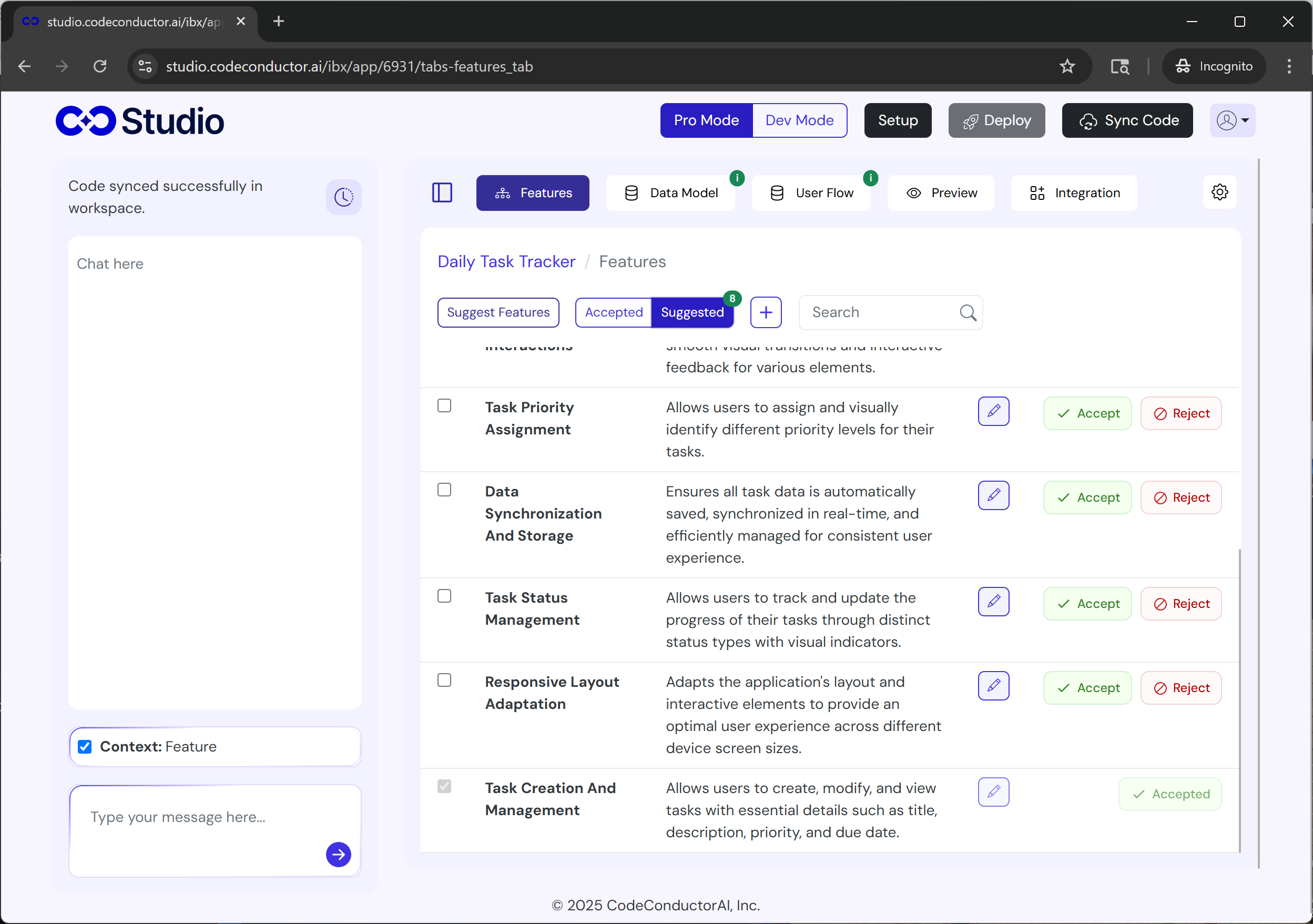
The platform does the heavy lifting by analyzing your existing workflows and transforming them step by step into a production-grade architecture.
Your Base44 app becomes smarter, stronger, and ready to scale, without losing the work you’ve already done.
Why Migrate From Base44?
Base44 is a fantastic platform for turning a prompt into a working app in minutes. But as soon as your application needs to scale or behave intelligently across user sessions, several limitations become apparent.
Many teams choose to migrate from Base44 when:
Workflows become too complex: Multi-step logic and branching automations are hard to maintain as apps grow.
No persistent memory support: Apps reset context every session, making personalization or continuity impossible.
Deployment is too restricted: Hosting is locked into their environment with little control over scaling or performance.
Limited enterprise integrations: Companies need secure API connections, databases, and third-party tools across workflows.
Lack of auditability for compliance: Regulated industries require logs, version history, and permissions.
If you’re reaching any of these points, it’s a signal that your Base44 prototype has outgrown the platform, and it’s time to upgrade.
Why Choose CodeConductor Over Base44?
If Base44 helps you start your journey fast, CodeConductor helps you finish it strong.
CodeConductor is designed for teams who want their AI-powered applications to grow beyond prototype limits, enabling smarter behavior, stronger infrastructure, and seamless collaboration.
Move Your Base44 App Without Starting Over
Share how your app works, where your data lives, and what you want to improve. CodeConductor can map the workflows, integrations, backend requirements, and migration path.
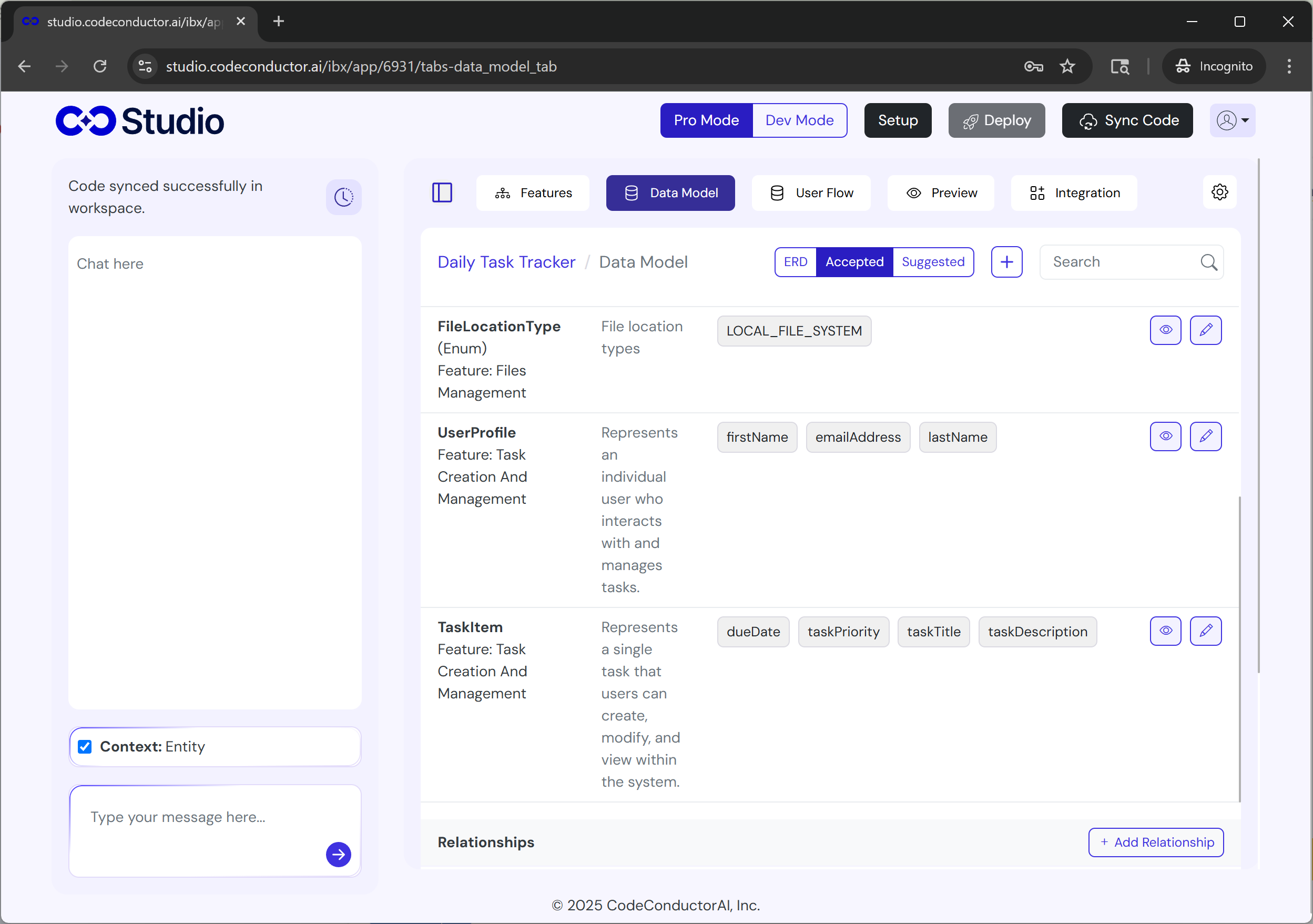
Persistent Memory Across Sessions: Your app remembers user data, states, and conversations, essential for real-world software.
Multi-Step, Multi-Agent Workflows: Complex logic chains? Conditional branches? No problem.
Flexible Deployment Options: Host in CodeConductor cloud, your private VPC, or internal servers.
Enterprise Security & Permissions: Audit logs, version history, and granular access roles included.
Database + API Integration First: Connect deeply with SaaS tools, data pipelines, and backend systems.
Production Monitoring & Live Debugging: Observe performance, errors, and state, in real time.
Team Collaboration Ready: Work together with controlled editing and approvals.
In short: Base44 is great for demos. CodeConductor is built for production.
Whether your goal is scale, security, or smart automation, CodeConductor provides the environment you need to operate like a real SaaS product.
Base44 App Pre-Migration Checklist
Before you begin your Base44 app migration, take a few minutes to make sure everything is documented and ready. This ensures a smooth transition into CodeConductor with zero lost context.
1. Export Your Base44 App Data
Download everything your current app relies on:
App conversation history
Auto-generated code (if exported)
UI structure and functional prompts
Linked assets (images, UI components, etc.)
This gives CodeConductor a full understanding of how the app works today.
2. Document Your Base44 App Workflows
Write down your:
Triggers
State transitions
Conditional logic
Multi-step flows
Tip: Even a quick mapping helps CodeConductor optimize logic faster.
3. Review Base44 App Integrations
Make note of:
Identify which external APIs or tools (like Google Sheets, Zapier, or Stripe) are connected — these can be re-connected inside CodeConductor using REST API setup or automation workflows based on your project’s needs.
These will be connected inside CodeConductor with deeper configuration options.
Run the CodeConductor migration prompt inside Base44
Download the updated conversation file
Upload it into CodeConductor
Review improvements and repeat
Each cycle:
Enhances logic structure
Adds memory + state
Strengthens deployment flexibility
Improves data connections and UI consistency
Your app evolves without breaking or restarting development.
Migrating Complex Base44 App Workflows
The assistant automatically:
Maps decision branches
Reconnects dependencies
Converts stateful code into visual building blocks
Adds guardrails & role permissions
You stay in full control, but CodeConductor handles the hard translation work.
The Result: Your Base44 app transforms into a fully scalable AI system with persistent memory, monitoring, and production reliability.
No rewrites. No starting over. No vendor lock-in.
Just smarter software built from what you already have.
Why Users Are Migrating From Base44?
Base44 is excellent for rapid prototyping, turning prompts into working apps fast. But as those apps grow into real products with real users, many teams begin to hit roadblocks. That’s why more and more founders, product teams, and engineering leaders are choosing to migrate from Base44 to platforms built for long-term scale.
Here are the most common reasons behind the shift:
Limited Code Ownership: Exporting code doesn’t provide full independence. Key backend logic still relies on Base44 systems, creating long-term control and flexibility issues.
Hosting & Deployment Restrictions: Teams want the freedom to deploy anywhere, cloud, private VPC, or on their own infrastructure, not remain tied to a single hosted environment.
No Round-Trip Workflow: Once exported, code can’t be cleanly imported back into Base44. That means collaboration, DevOps pipelines, or local iteration become challenging.
Hard to Scale Complex Logic: As applications need more advanced workflows, branching logic, and multi-agent automation, the original build structure becomes harder to maintain.
Stability Concerns in AI-Generated Changes: Even small updates can cause unexpected breakage in unrelated parts of the app, something you can’t risk in production environments.
Compliance & Permissions Limitations:
Role-based access
Version history
Audit logs
Data governance
Base44 isn’t optimized for those enterprise requirements.
Teams Need Persistent Memory & Real Production Capabilities: Modern AI products must remember users across sessions and scale intelligently, not reset context every time the app loads.
Ready to Migrate From Base44 Without Starting Over?
If you’re reaching the limits of Base44, the next step should feel exciting, not overwhelming. With CodeConductor, your existing app becomes the foundation of something smarter, faster, and production-ready.
Keep the work you’ve already done
Add persistent data state and advanced logic
Deploy anywhere with full control
Scale confidently as your user base grows
And the best part?
CodeConductor guides your Base44 app migration for you, step by step with absolutely zero hassle.
CodeConductor helps you migrate from Base44 seamlessly, while upgrading your app’s intelligence, performance, and future potential.
Ready to Migrate from Base44 to CodeConductor?
See how CodeConductor helps enterprises ship faster while staying compliant.
Can I migrate my Base44 app without rebuilding it?
Yes. CodeConductor offers a guided Base44 app migration workflow where you export your Base44 app, upload it, and CodeConductor automatically converts your logic and UI into a scalable architecture, no full rebuild needed.
Does CodeConductor support backend migration from Base44?
Yes. Even if Base44 exported only your frontend code, CodeConductor rebuilds backend workflows with persistent memory, API integrations, and secure database connections so your app is no longer dependent on Base44 servers.
Can I migrate multiple Base44 app into CodeConductor?
Yes. You can import multiple exports, consolidate features, or even merge multiple Base44 apps into a single scalable system.
Paul Dhaliwal is a tech innovator and Founder of CodeConductor, an open-source no/low-code platform. With 10+ years of experience in AI and scalable development, Paul focuses on crafting intelligent solutions that drive real-world value. A firm believer in the mantra "Eat, Sleep, Code, Repeat," he balances his passion for software with a love for travel and family.
⚡
Build your app
No coding. No designers. Just describe what you want and watch AI build it.